
How to Set Up a Phone-Free Nightstand (Without Missing Emergencies)

This post may contain affiliate links, which means I may earn a small commission if you make a purchase through these links — at no extra cost to you. Thank you for supporting the content I create here on the blog! You can read my full Disclosure Policy for more details.
If your phone is your alarm, your brain is being asked to resist the entire internet four seconds after waking up. That is a wildly unfair assignment.
Moving your phone across the room is the single easiest way to stop morning doomscrolling. But most people abandon the plan after two nights because:
- They’re worried they’ll miss an urgent late-night call from family.
- They realize their phone was doing five different jobs on their nightstand.
Here is how to set up a friction-free, phone-free nightstand in under five minutes.
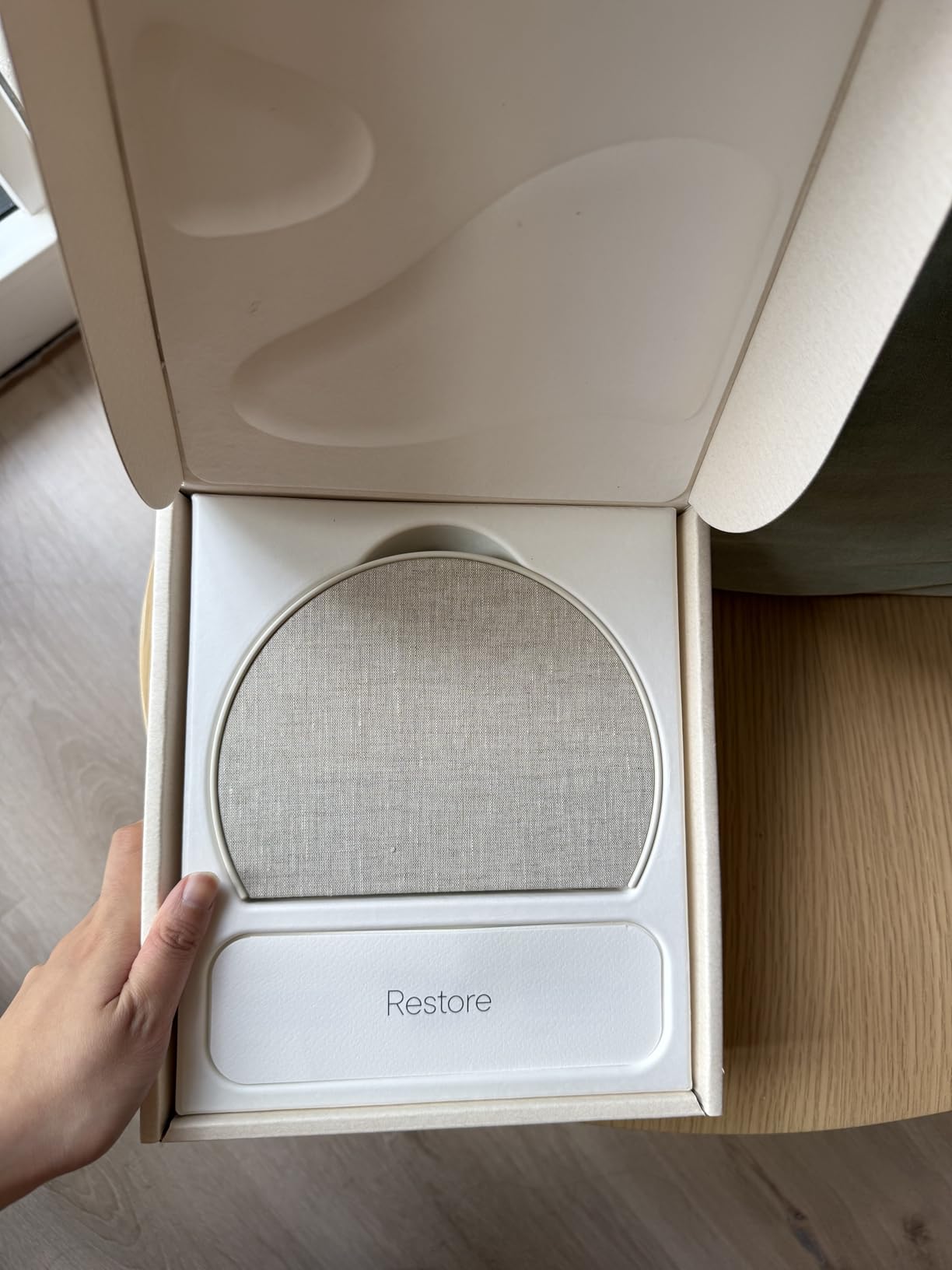
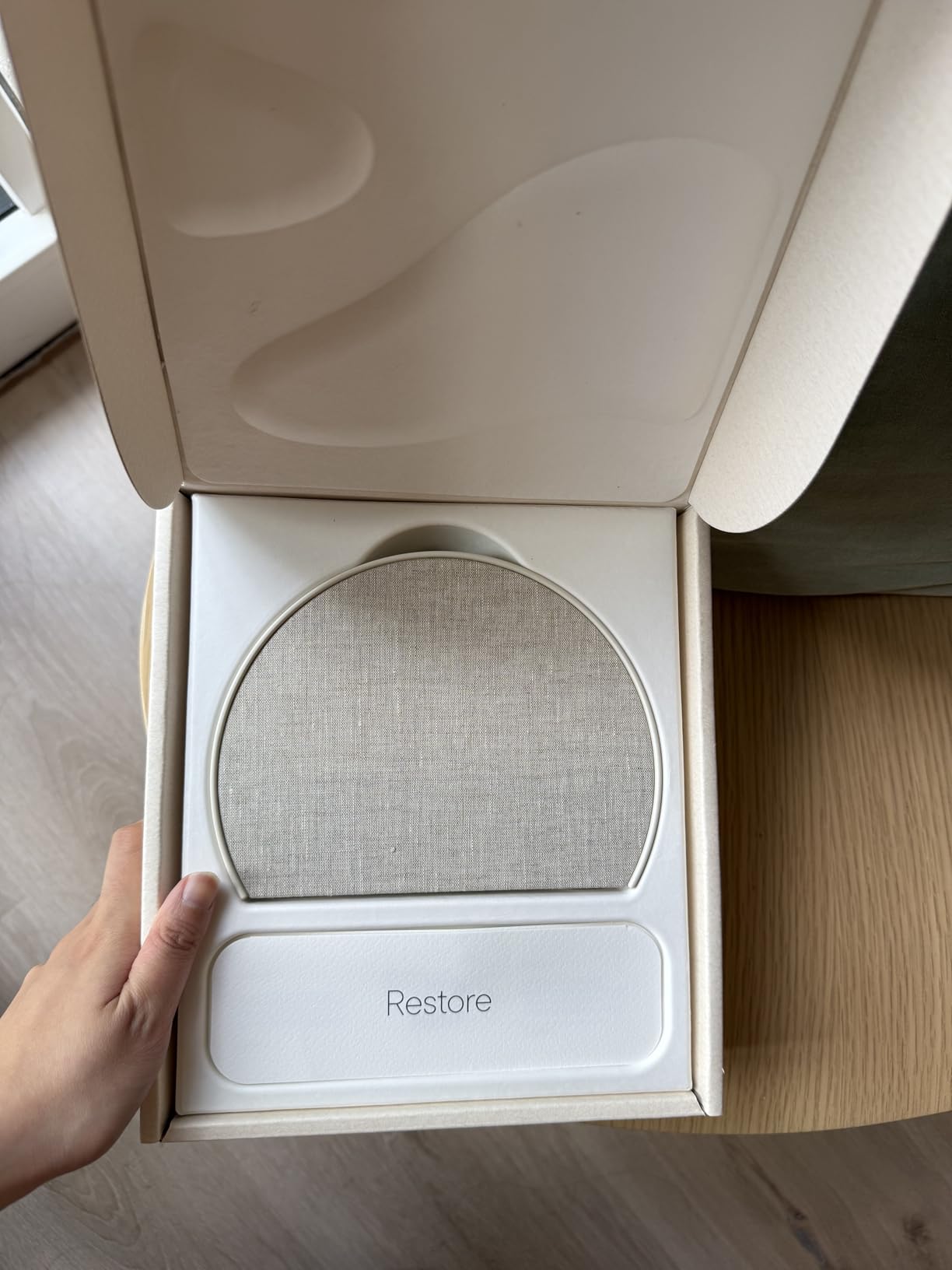
WHAT’S ON MY NIGHTSTAND: Full disclosure—I personally use the Hatch Restore 3. I bought it because I wanted my reading light, sleep sounds, and alarm all in one device without needing my phone anywhere near my bed. Having the gentle sunrise light wake me up instead of a heart-attack alarm sound has completely changed my morning mood.
Step 1: Set Up “Emergency Bypass” (So You Can Sleep)
You don’t need your phone on your pillow to remain reachable. Both iPhone and Android let you block all notifications while allowing emergency calls from specific people to ring aloud:
- On iPhone: Go to Settings > Focus > Do Not Disturb. Tap People, then allow calls from Favorites (or select specific family members). Toggle on “Allow Repeated Calls” so a second call within 3 minutes always rings through.
- On Android: Go to Settings > Sound & Vibration > Do Not Disturb. Tap People, and set calls/messages to allow “Starred Contacts” or “Repeat Callers.”
Plug your phone into the wall farthest from your bed. If an actual emergency happens, it will ring loudly enough for you to get up. If it’s just a late-night group chat notification, your sleep stays protected.
Step 2: Choose Your Nightstand Replacement
Once your phone is across the room, you need something to take over its nightstand duties (alarm, clock, reading light, or sleep sounds).
Depending on your budget, here are the three best ways to complete your setup:
The All-in-One Upgrade (My Personal Choice)
- Wakes you without a harsh phone alarm
- Creates a calmer, phone-free bedtime routine
- Combines an alarm, sound machine and nightlight
This is an affiliate link. As an Amazon Associate, I earn from qualifying purchases.
- Wakes you without a harsh phone alarm
- Creates a calmer, phone-free bedtime routine
- Combines an alarm, sound machine and nightlight
This is an affiliate link. As an Amazon Associate, I earn from qualifying purchases.
If you hate blaring alarms and want to replace your reading light, white noise machine, and alarm clock with one sleek device, this is the gold standard. It uses gradual sunrise lighting to wake you up naturally before a soft sound plays, so you don’t start your morning in a fight-or-flight state.
Why it works: It replaces four separate devices on your nightstand while keeping your phone out of reach.
CHECK CURRENT HATCH RESTORE 3 PRICES ON AMAZON
The $15 Budget Hero
- Simple, reliable, and affordable
- Adjustable brightness won’t disturb your sleep
- Tells the time without tempting you to scroll
This is an affiliate link. As an Amazon Associate, I earn from qualifying purchases.
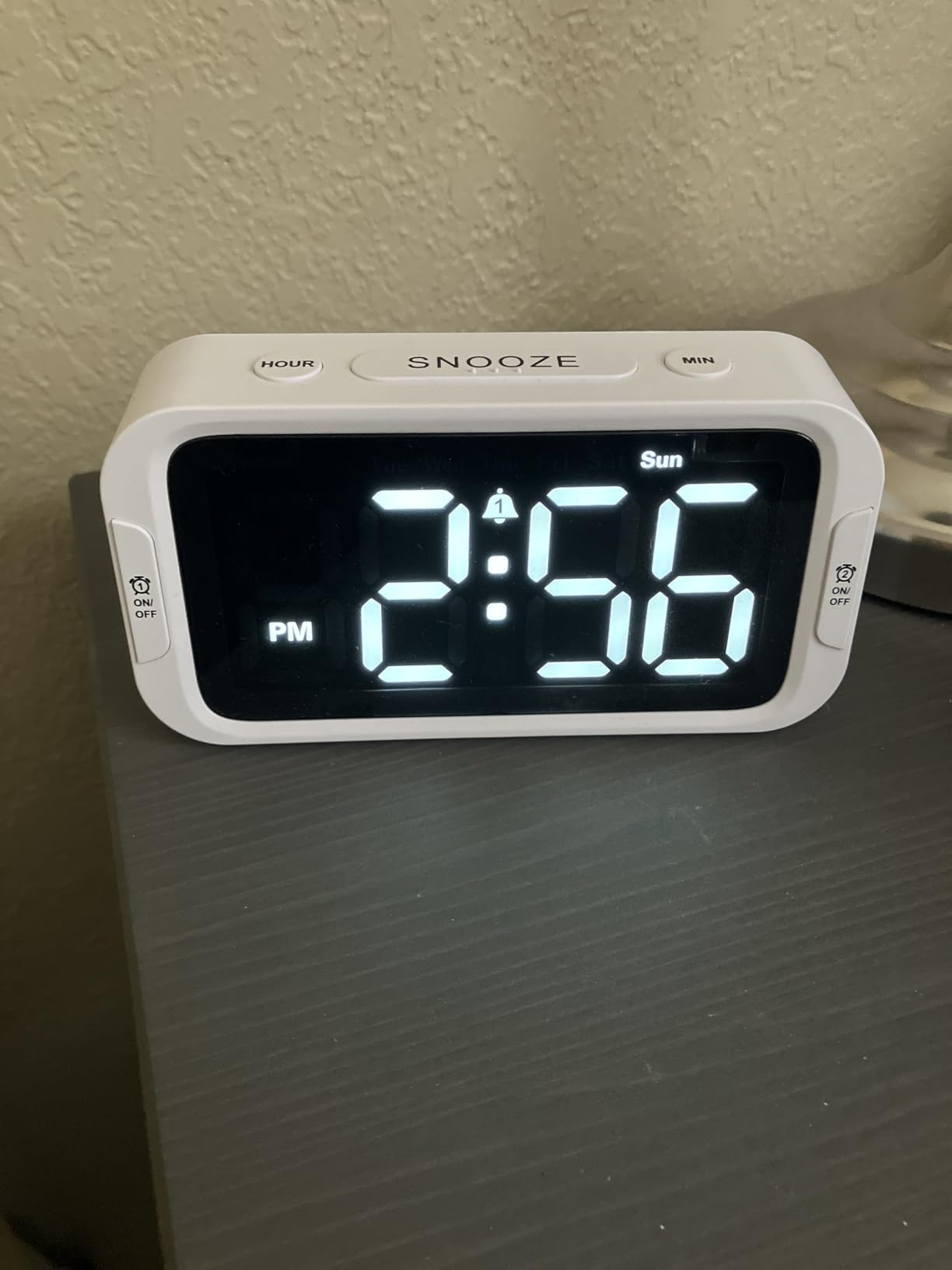
If you don’t care about sunrise lighting or sound machines and literally just need a reliable clock that tells you the time and beeps at 7:00 AM, do not spend big money. Grab a basic digital clock with an adjustable brightness screen so it doesn’t light up your room at night.
Why it works: It does one job, costs less than lunch, and never lures you into scrolling Instagram.
CHECK CURRENT $15 CLOCK PRICES ON AMAZON
The Bare Minimum Fix
- Reaches outlets across the room
- Removes your “cord is too short” excuse
- Durable enough for nightly use
This is an affiliate link. As an Amazon Associate, I earn from qualifying purchases.
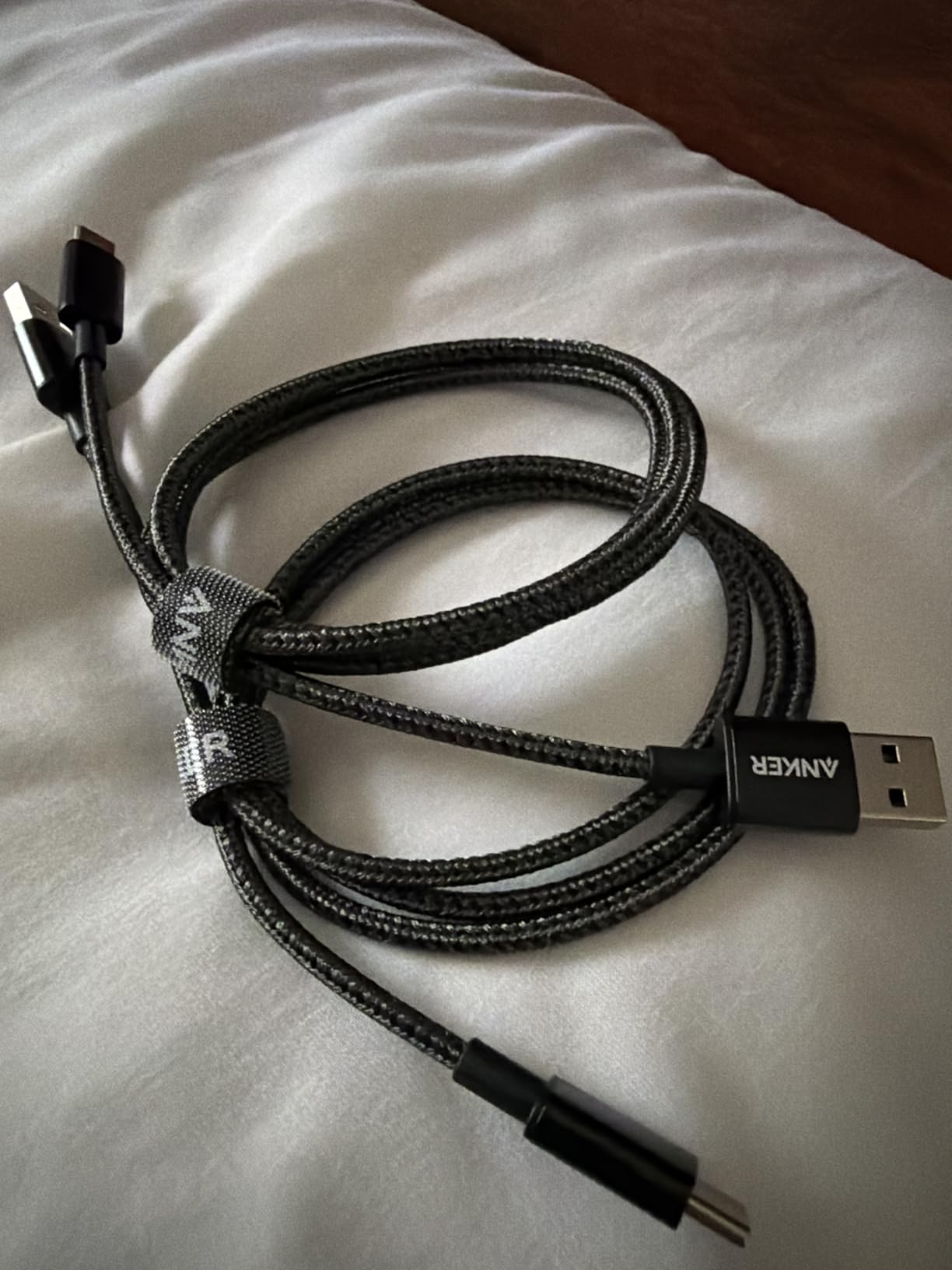
If your wall outlet is awkwardly far from your bed, don’t use that as an excuse to bring your phone back to the nightstand. Grab a heavy-duty 10-foot braided cable so you can plug your phone in across the room without doing gymnastics behind your furniture. (Tip: Stick with Anker or trusted cable brands so it doesn’t fry your phone battery).
Why it works: It removes the physical excuse of “my cord doesn’t reach the far wall.”
CHECK 10-FT CABLE PRICES ON AMAZON
The Simple Morning Rule
Your mornings don’t need to be an aesthetic two-hour ritual. Just give your brain 15 minutes of breathing room before you invite your inbox, the news, and social media into your head.
Set up your emergency settings tonight, plug the phone across the room, and let your nightstand do its actual job!